
Hotel Lobby AI Video Generator
Upload two photos and turn yourself and a friend—or any duo you choose—into the stars of a Hotel Lobby video. Perform together in the orange studio, with the hanging microphone and moves inspired by the viral duet.
Hotel Lobby AI Video Generator
Duration
32 credits · Sign in for balance
What Is Hotel Lobby AI?
The Hotel Lobby AI trend is a short AI-made duet inspired by the orange-booth performance of “Hotel Lobby” by Quavo and Takeoff. A hotel lobby AI video generator places two people or characters in a similar studio scene using their photos. Here, “Hotel Lobby” refers to the song and video trend, not hotel interior design.
The format is easy to recognize: two performers share one frame, an orange studio surrounds them, and a microphone hangs between them. These visual cues create a compact duet scene rather than a hotel setting. An AI Hotel Lobby video uses this familiar setup with the people or characters in your photos. Choose who appears on the left and right, and the scene brings them together in a short performance clip.
How to Make a Hotel Lobby AI Video
Upload two photos, choose your settings, and create your duet.
Upload the left photo
Choose a clear image of the person or character you want on the left. A well-lit photo with the subject easy to recognize can help make your choice clear.
Upload the right photo
Add a separate photo for the performer on the right. The two upload slots determine where each person or character appears in the duet.
Set your video options
Choose 768P or 2K, then select a 4- or 15-second video. The credit total reflects your choices before you generate.
A Hotel Lobby Performance, Starring Your Duo
Create a two-person performance with the people or characters in your photos.
Choose your duo
Use one photo for the left performer and one for the right. Use the left and right photo slots to decide how your pair appears in the scene.
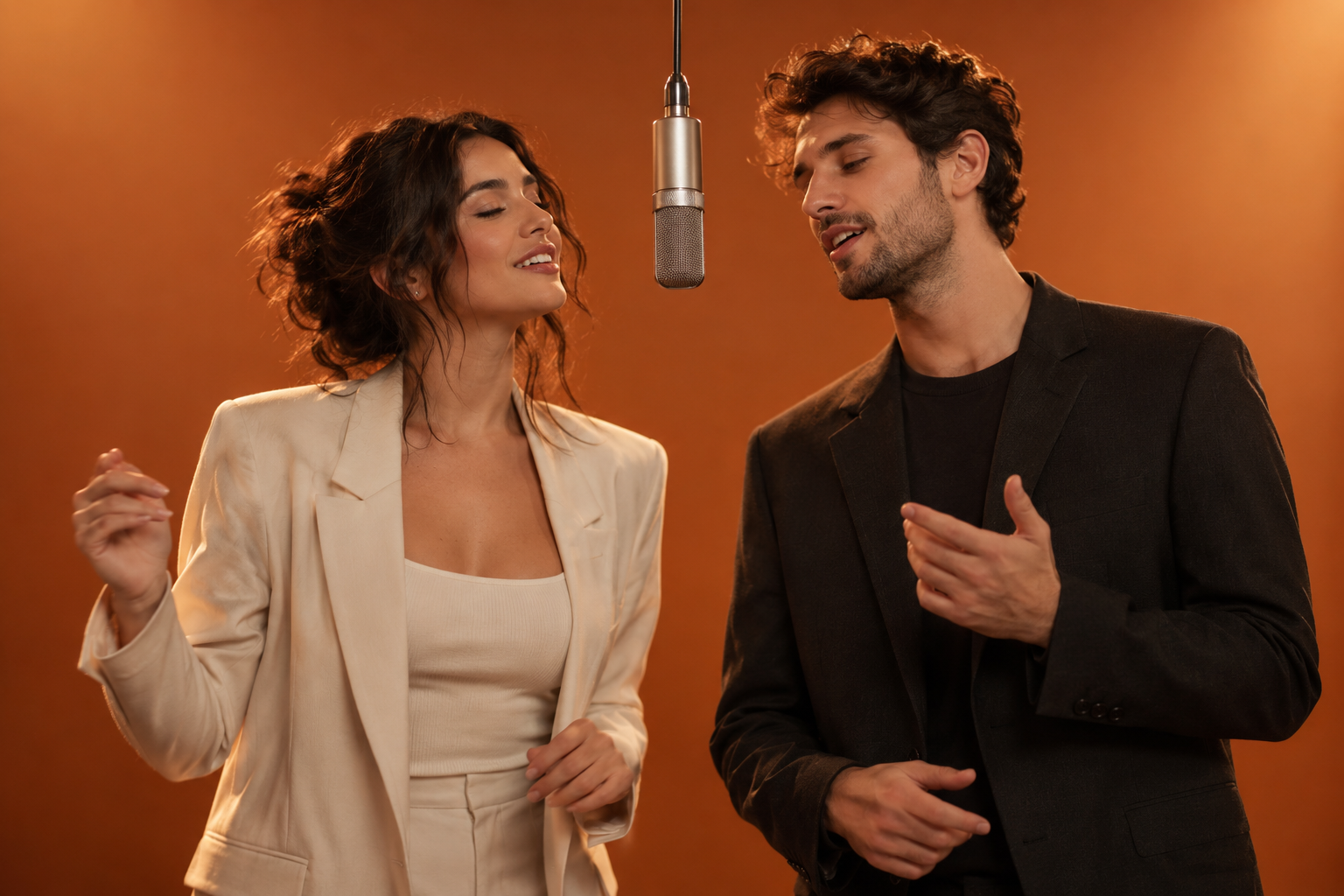
A familiar Hotel Lobby look
The orange studio, hanging microphone, and overall duet setting are already part of the scene.
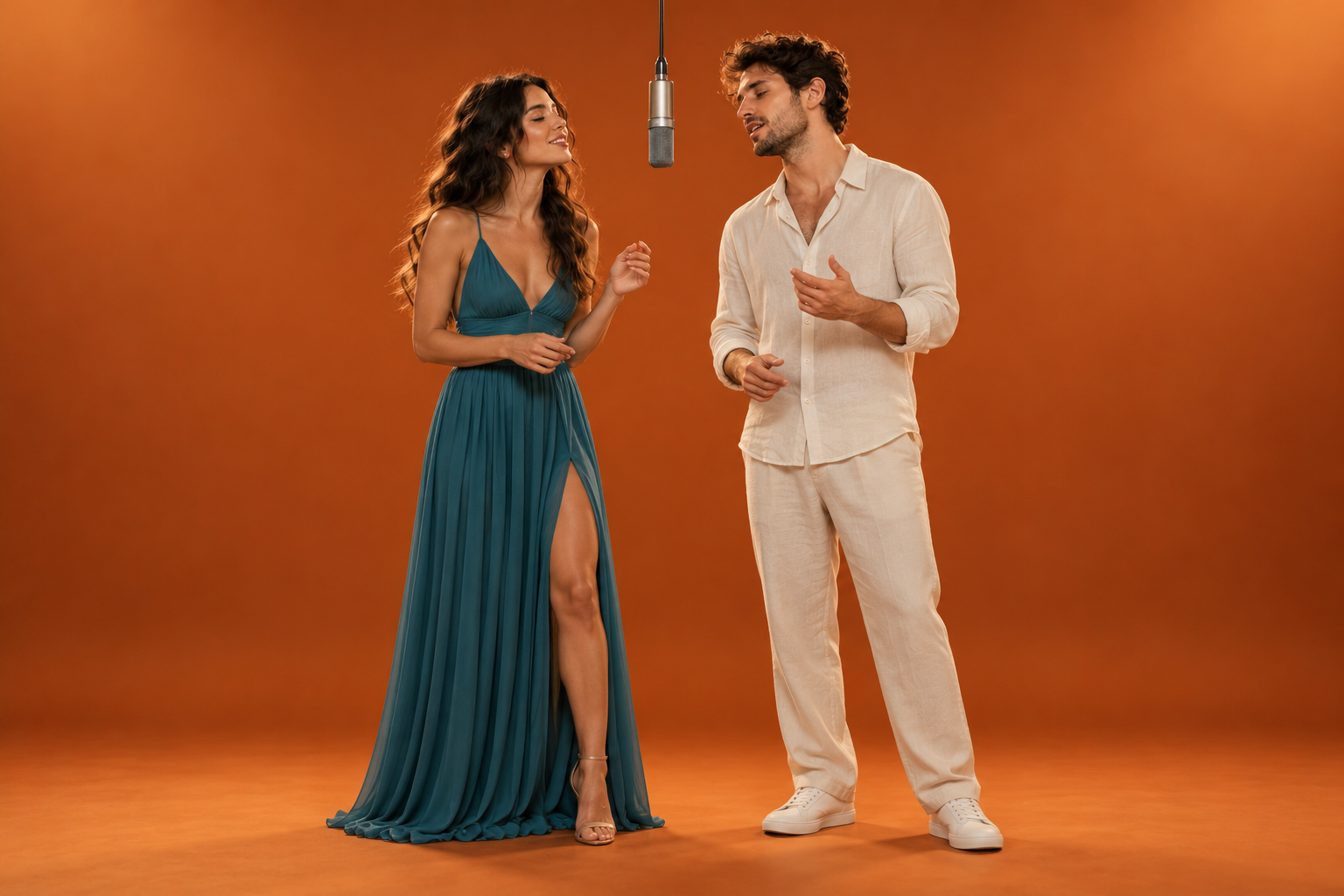
A ready-made performance
The duet scene is prepared for the two performers in your photos. Your selected performers share a prepared scene, so you can focus on choosing the pair and video settings.
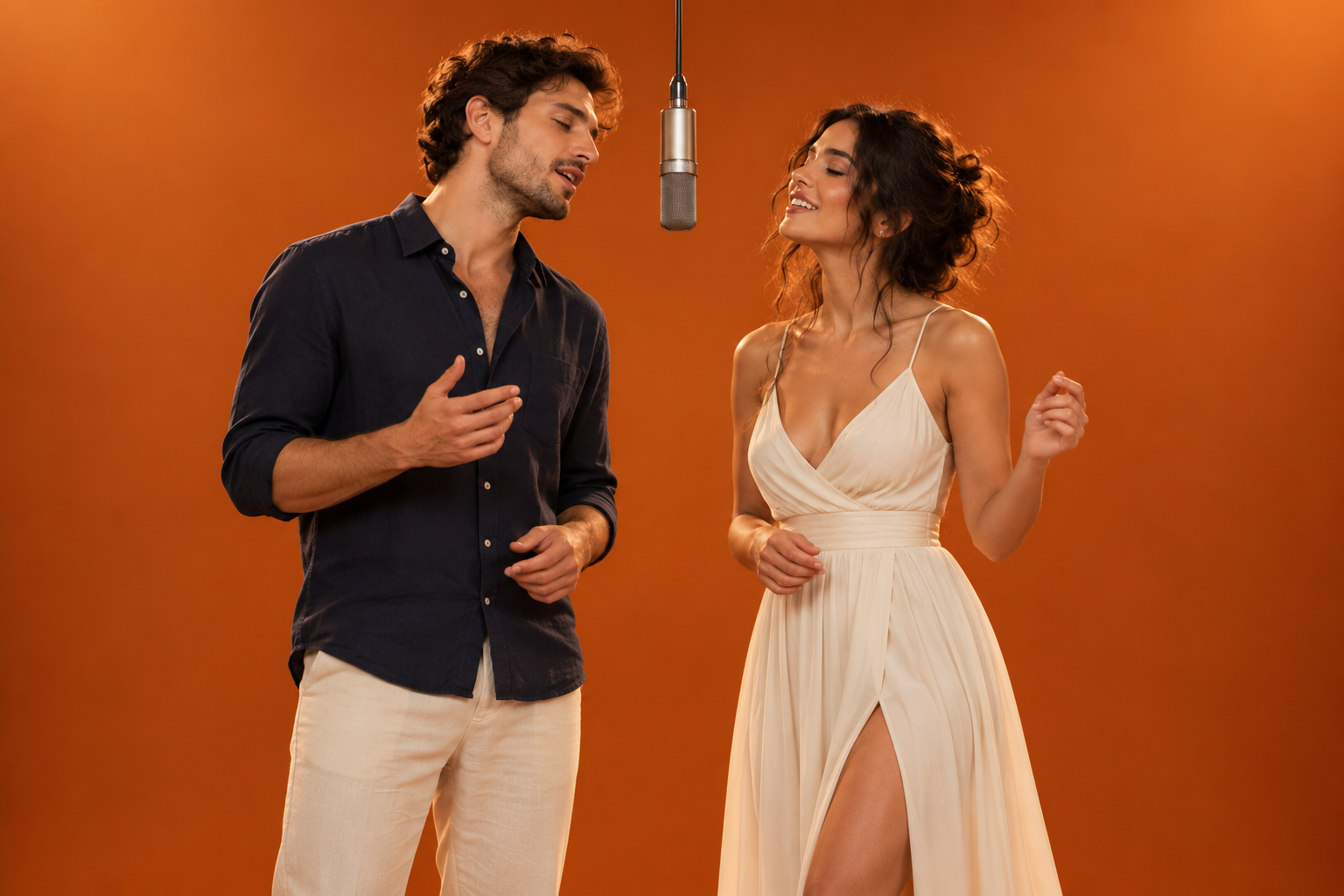
Ideas for Your Duo
Choose friends, family, or characters to star in your duet.
Friends and family
Bring two familiar faces together in a playful performance clip, or create a lighthearted surprise for someone you know. Try friends who live far apart.
Couples and duos
Use a couple, creative partners, or longtime friends to give the duet a personal feel. Make a clip for an anniversary or shared milestone.
Character pairings
Put two favorite characters or original personas in the same scene and see how the contrast changes the mood. Try characters from different stories.
Hotel Lobby AI Video Generator FAQs
Learn about the duet, photo uploads, video settings, and credits.
Hotel Lobby AI video refers here to an AI video built around the two-person musical duet concept associated with Quavo and Takeoff’s “Hotel Lobby” performance for A COLORS SHOW. Its recognizable cues include two performers sharing a microphone in an orange studio setting.
Upload one photo for each performer. JPG, PNG, and WebP images up to 30 MB are supported. Choose a well-lit image with one clearly visible person or character in each photo. The photos can be taken at different times; place each subject in the left or right slot. Make sure you have permission to use both images and consent from anyone pictured.
Choose 768P or 2K quality and a 4-second or 15-second video. 768P uses fewer credits; 2K gives the video a higher resolution. A 4-second clip keeps the moment brief, while 15 seconds gives the duet more time. The selected combination determines the credit total shown before generation.
A 4-second video costs 32 credits at 768P or 52 credits at 2K. A 15-second video costs 120 credits at 768P or 195 credits at 2K. Your selected options determine the total, which is shown before generation.
Choose who appears on the left and right, select 768P or 2K, and choose a 4- or 15-second video. The duet scene is ready to use.
No. This generator focuses on AI videos inspired by the two-person Hotel Lobby duet concept, not hotel interior or architecture visualization.
Bring Your Duo to the Orange Booth
Turn two photos into a Hotel Lobby performance under the hanging microphone.